
What a MAC address reveals about you, and how to hide it?
Every internet-connected device—from your laptop to your phone—comes with a unique identifier called a MAC address. Although many users never see this technical detail, your MAC address plays a significant role in how you connect to networks and, potentially, in what others can learn about you. This article explains what a MAC address reveals, when it might become a privacy risk, and what you can—and cannot—do to limit its exposure.
What is a MAC address and where is it used?
A MAC address (Media Access Control address) is a hardware identifier built into a device during manufacturing. Typical MAC addresses are made up of 12 hexadecimal characters grouped in pairs, such as 00:1A:2B:3C:4D:5E. The first half of this code identifies the manufacturer, while the second half distinguishes the specific network interface on your device. If your device has both Wi-Fi and Ethernet capabilities, each connection type will use a different MAC address.
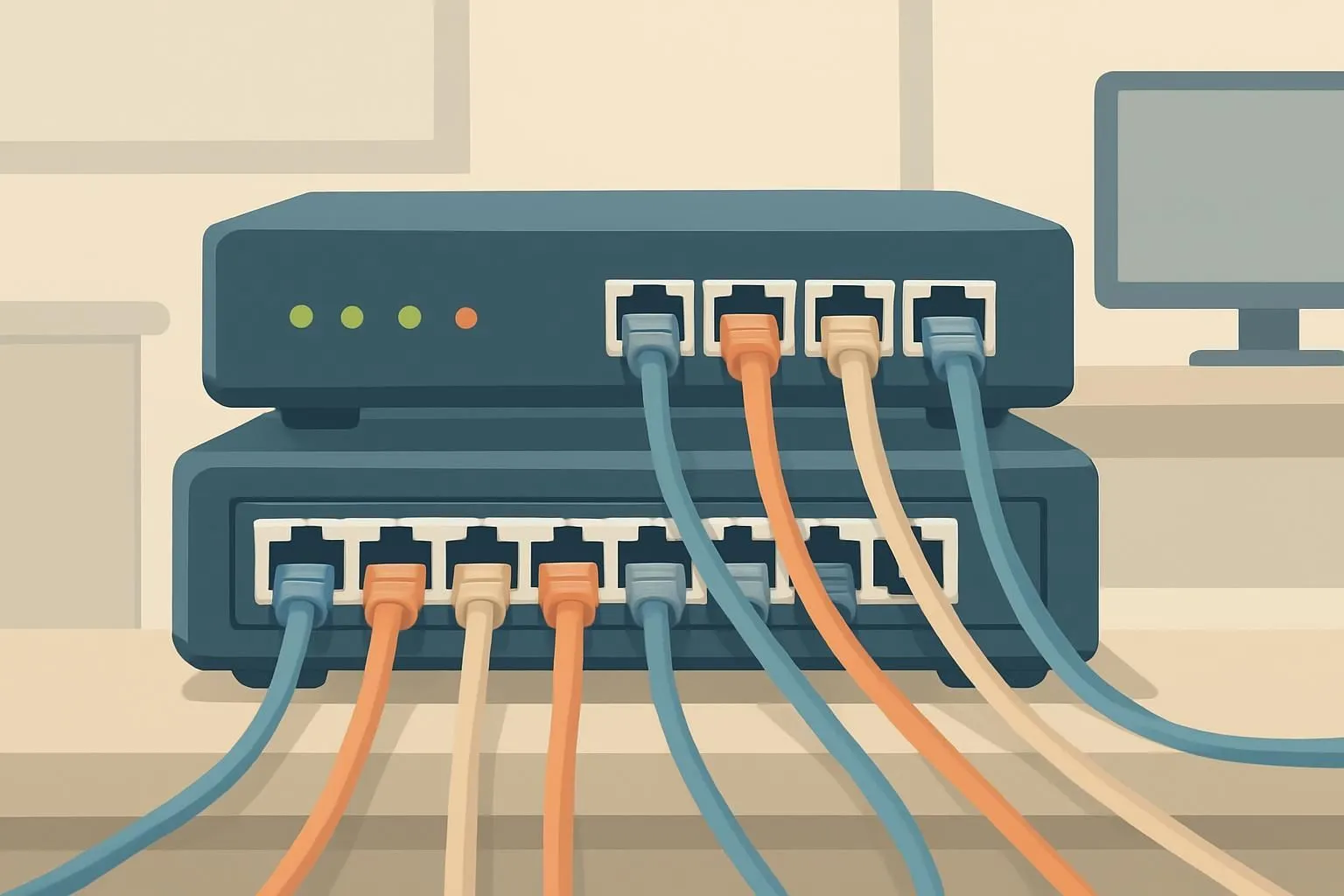
When you connect to a local network—like your home Wi-Fi or public hotspot—your device sends its MAC address to the router. The router then gives your device a local IP address so it can reach the internet. MAC addresses are essential for network security, traffic filtering, setting bandwidth priorities, and even for parental controls.
For more details on how different protocols and platforms handle connections, you can review what Hide Expert VPN offers, including support for customized protocols that can work even where standard VPNs might be blocked.
What can your MAC address reveal about you?
Because the first six characters of a MAC address indicate the device manufacturer, someone observing your network traffic can often tell what brand of device you’re using. More importantly, since each network interface (such as Wi-Fi or Ethernet) has its own unique MAC address, tracking these numbers over time can allow someone to build a profile of your habits or movements—especially in spaces like airports, stores, or city centers that have many Wi-Fi hotspots.
Exposed MAC addresses can also be targeted for unauthorized network access. For example, if someone copies (or “clones”) your MAC address, they might try to gain access to networks where that address is already allowed or whitelisted.
Can a VPN hide your MAC address?
It’s a common misconception that a VPN (Virtual Private Network) hides all identifying information from the internet. In reality, a VPN protects your online privacy by encrypting your internet traffic and masking your IP address—the number assigned to your device by the network for internet access. Your MAC address, however, is never sent beyond your local network. Only devices on the same local network (like your router or other connected devices) can see it; websites and services on the internet cannot. A VPN does not change or hide your MAC address from the local network.
If your concern is protecting your online activity from being tracked by your public IP address, a VPN is an effective tool. However, if you’re worried about someone on the same Wi-Fi network seeing your MAC address, a VPN will not prevent this exposure.
How to limit exposure of your MAC address
- Randomize your MAC address: Many modern devices offer a setting to use a randomized MAC address when joining new Wi-Fi networks. This makes it harder for third parties to track your movements across different locations.
- Avoid untrusted networks: Connecting to public or unknown Wi-Fi networks increases the risk of your MAC address being logged or targeted. Use trusted networks whenever possible.
- Keep your device updated: Operating system updates often include security improvements, such as better MAC address randomization and network privacy controls.
- Review your device settings: Look for privacy settings related to network connections. Some platforms allow you to enable MAC address randomization manually for extra security.
For those interested in broader privacy topics or network security, the blog at Hide Expert covers related issues, tips, and deep dives into protocols and privacy settings.
Why your MAC address matters for privacy
While MAC addresses are a technical detail most users rarely think about, their visibility on local networks creates possible risks—from tracking to unauthorized access. Understanding the limits of what a VPN can and cannot do helps you set realistic expectations and make informed choices about your privacy. If you want to know more about how your data is handled, consult the privacy policy for transparency about data collection and retention.